

Step 1
Drop your clips
Add the takes from your phone or a Google Drive folder, plus any reels you like and screenshots to show. Say a line three times if you like; it keeps the best one.
For Mac · Reels, TikTok and Shorts
Drop in what you filmed on your phone. ReelEditor picks the best take of every line, cuts the dead air, adds captions, pop-ins, sound and music, and sends a finished vertical video back to your phone.
3-day free trial, no card. For Macs with Apple silicon and a Claude plan. Your videos stay on your Mac.
What it makes
Talking heads, tutorials, stories, interviews and vlogs: the best takes, a hook title, captions on every word and the right thing popping in.

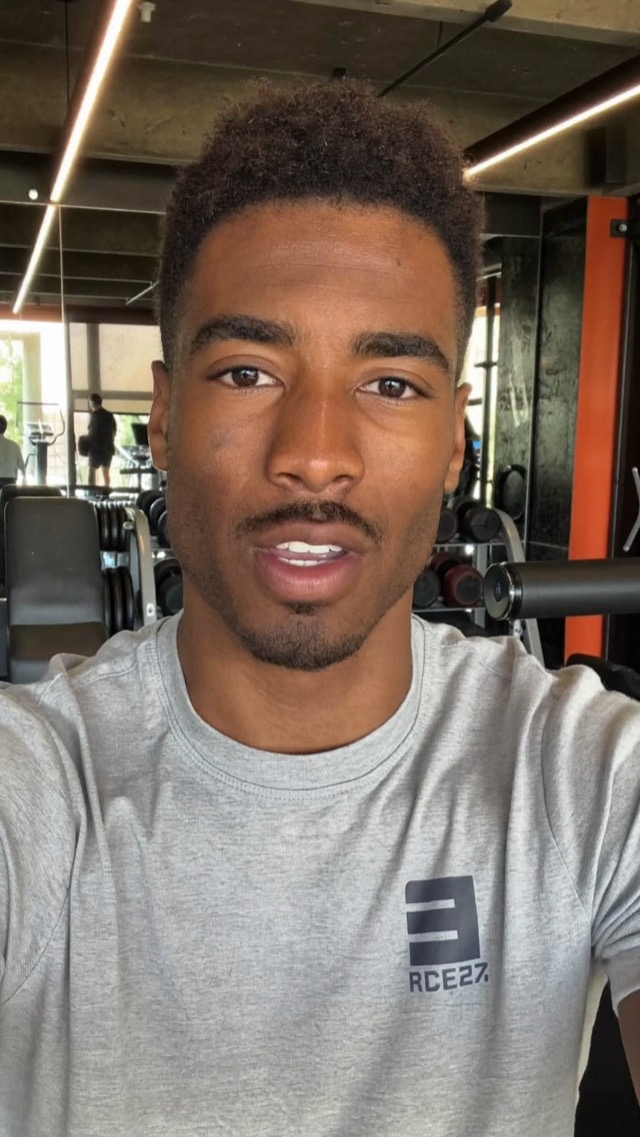
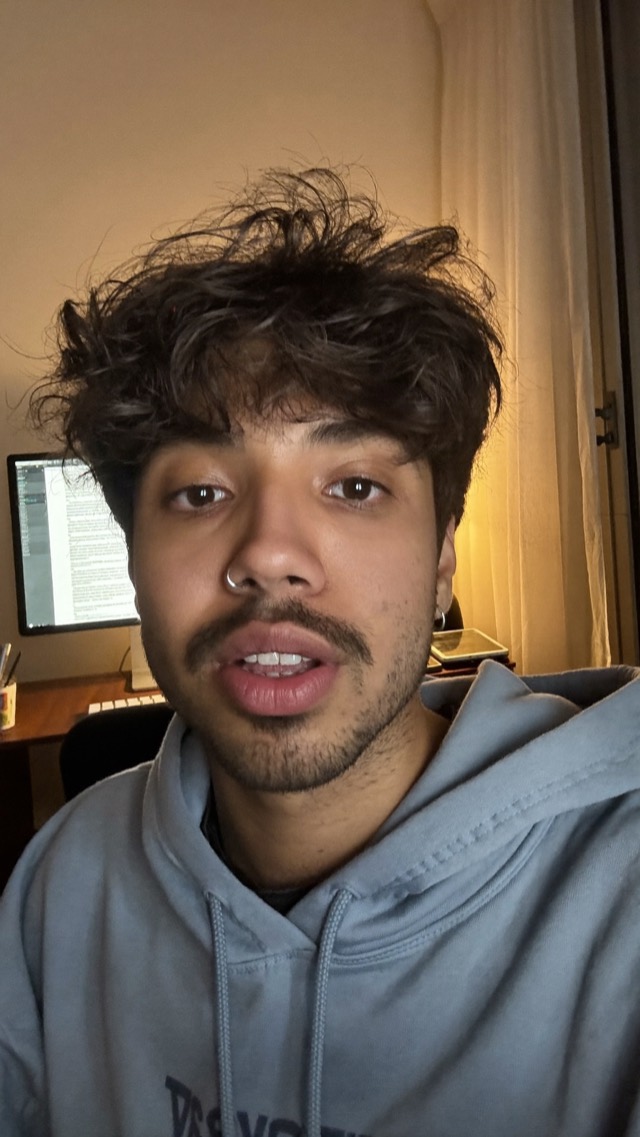
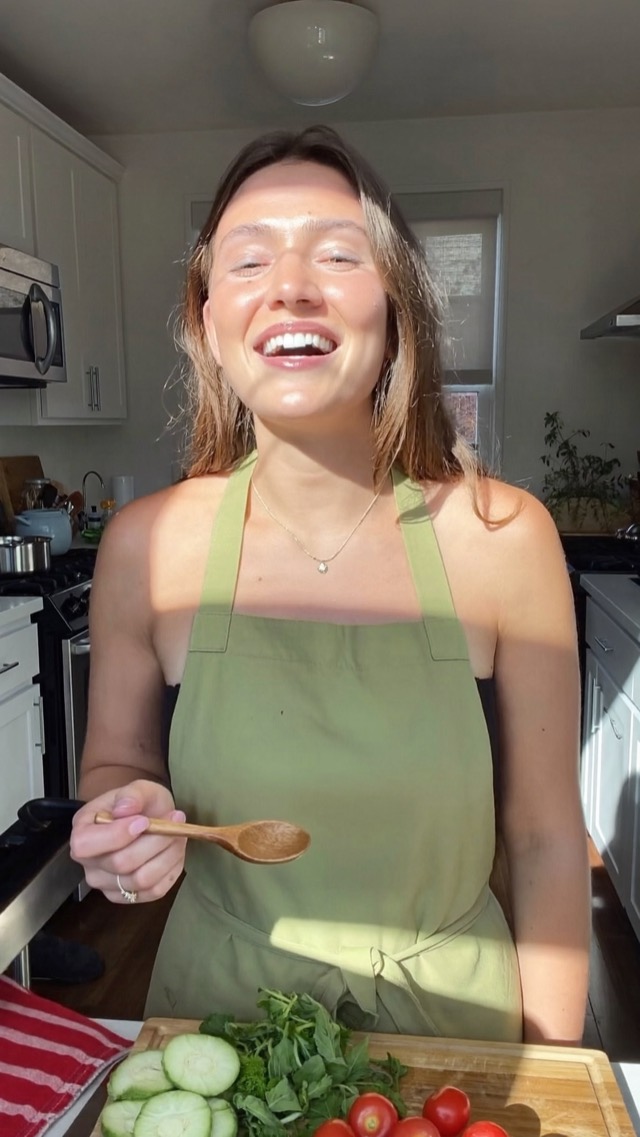
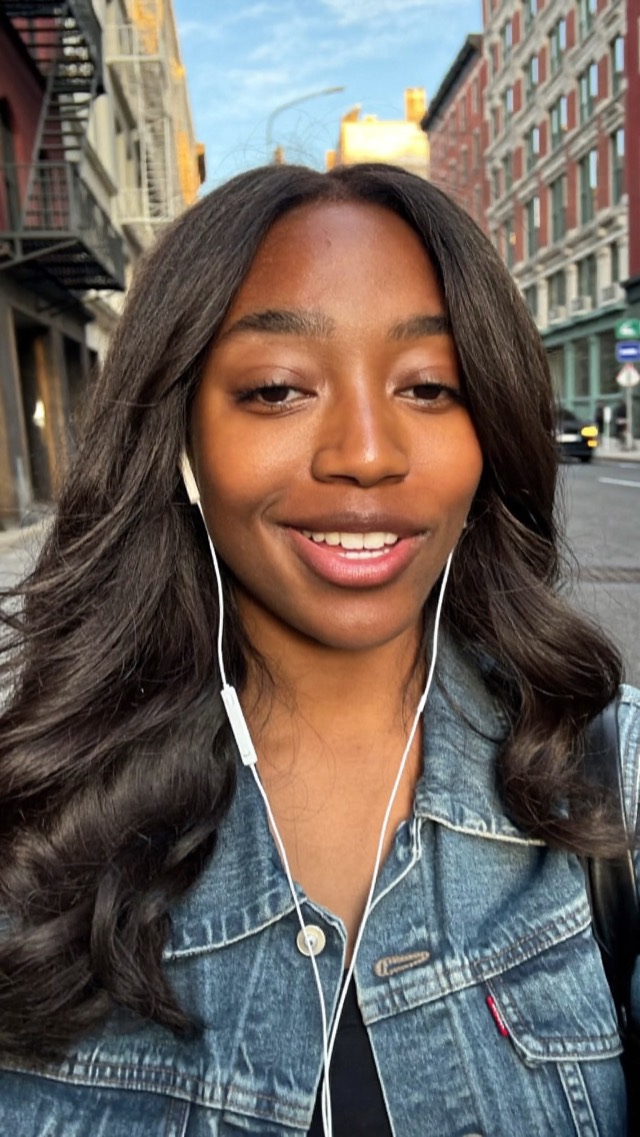
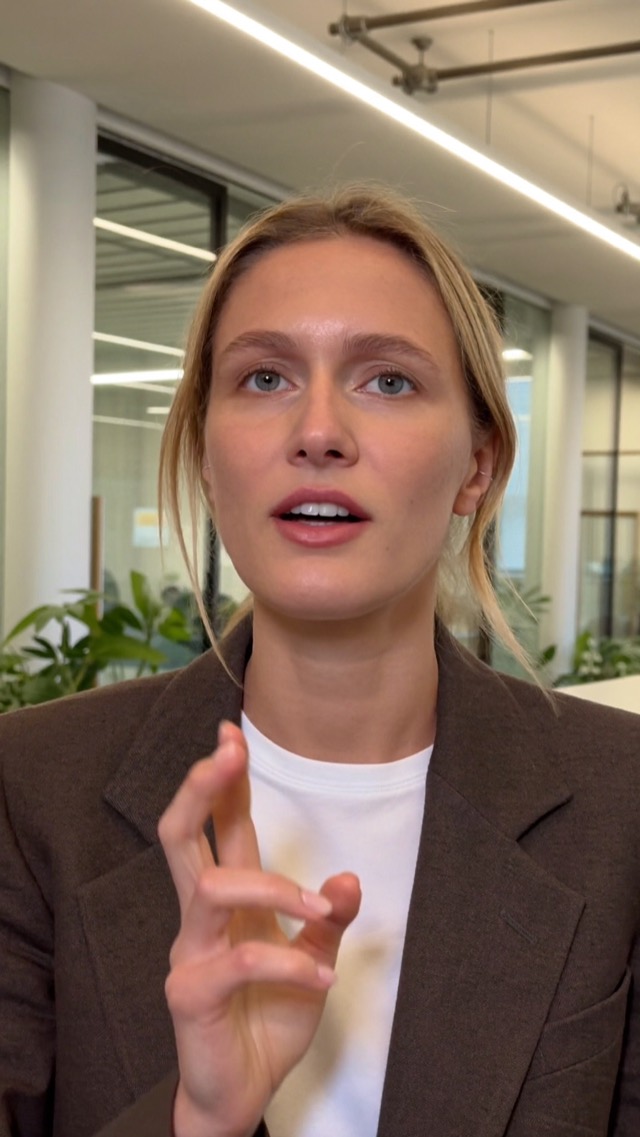
Examples of ReelEditor's styles. The people shown are illustrative.
How it works
Film on your phone, like you always do. ReelEditor takes it from there.
Add the takes from your phone or a Google Drive folder, plus any reels you like and screenshots to show. Say a line three times if you like; it keeps the best one.
One frame for every spoken line, with what shows on screen. Approve it, or ask for changes in plain words. Nothing renders until you say so.
The finished video lands on your iPhone by AirDrop or a QR code, with the caption ready to copy. Then post from Instagram or TikTok.
Features
Everything you would spend an evening on, done before you finish your coffee.
Said it four times? ReelEditor keeps the cleanest one and drops the rest, in the order of your script.
Pauses, false starts and stumbles are cut out so the pace stays tight, while natural breaths can stay.
Word-synced captions in short phrases, kept off your face and inside the safe area.
Mention a site or a product and the real thing pops in right as you say it, then leaves.
Subtle zooms land on the lines that matter, so a still talking head never feels still.
Small accents on the action, music made for your video in the genre you pick (or none, to add a trending sound when you post), and a title that opens strong.
Storyboard and chat
ReelEditor shows one frame for every spoken line, with what is on screen and what was cut. You approve it, or you talk to it.
Your styles
Give ReelEditor videos you love, as links or files. It studies their cuts, captions, fonts, music and story, and your edit follows them.
Example. Your style comes from the videos you pick.
Send to phone
When the video is done, it goes straight to your iPhone by AirDrop or a QR code. The caption comes with it, ready to copy. You post from the Instagram or TikTok app, the way you always do.
Formats
Talking head, interview or a day on your camera roll. Pick the format and the style fits.
You to camera, tightened to the best takes with captions and pop-ins.
Cuts and zooms to each speaker, then both.
Tell it straight to camera and keep only the good takes.
Walk through how-tos with real screenshots on the steps.
Your voice over clips of your day. A new shot every second, real photos stacking up.
Your clips cut to music, with time stamps.
Private by design
Cutting, captions, sound and rendering all happen on your computer. Your footage is not uploaded to our servers, and there is nothing to log in to.
What you need
That is the whole list.
With Apple silicon.
Claude does the editing.
Everything else is included and free: the video engine, transcription, sound effects, music and fonts. No credits, no per-video fees.
Pricing
$99 a year for the app and every update. Try it free for 3 days first, no card.
Billed yearly. Cancel anytime: it keeps working to the end of the year you paid for.
Renews automatically each year until you cancel. Manage it from your receipt email.
FAQ
Yes. ReelEditor uses Claude to do the editing, so you need your own Claude account with a Pro or Max plan, or an Anthropic API key. That is billed by Anthropic and is the only other thing you pay for. See anthropic.com/pricing for the current plans.
ReelEditor itself adds no credits and no per-video fees. The video engine, transcription, sound effects, music and fonts are all included.
It keeps working to the end of the year you paid for, then stops making new edits. ReelEditor still opens, and you can watch, export and send every video you made. Subscribe again any time to pick up where you left off.
No. Your video files stay on your Mac, and editing and rendering run locally. To plan an edit, Claude reads the transcript, a few still frames and your notes through your own Claude account, as described in our privacy page. The app has no analytics.
Not yet. ReelEditor needs a Mac with Apple silicon (M1 or later), macOS 13 or newer, and 16 GB of memory is recommended.
No. ReelEditor is a Mac app for now.
Yes. There is a 7-day refund policy on every payment, and you can try the app free for 3 days first with no card. Details are on the refunds page.
ReelEditor sends the finished video to your iPhone by AirDrop or a QR code, with the caption ready to copy. You then post from the Instagram or TikTok app as usual. Posting straight to Instagram from the app is also available as an advanced option if you connect your account.
Yes. One licence works on 2 Macs.
Drop in the clips. Approve the storyboard. Post.
Your licence key is also in your receipt email, if you ever need it on another Mac.